A new website can have useful articles and still leave visitors with no reason to return. An email list gives interested readers a way to hear from you again.
Start with one clear audience, create a small resource that helps them take a real step, then follow up with a welcome sequence that delivers on the promise.
You don’t need a big audience to begin. You need an offer that makes sense to the person reading your page.
Start with the reader you want to hear from
Before you make a lead magnet or choose an email platform, picture one visitor—not a vague crowd.
What are they trying to do? Where are they getting stuck? What could your website help them understand or accomplish next?
For a website about starting an online business, the reader might be weighing several possible topics and wondering which one is worth pursuing.
Get a Complete Money-Making Website Built For You - Free
A useful signup promise could be:
Practical, beginner-friendly guidance for planning and growing your first website.
That promise gives you a thread to follow. Your lead magnet, signup form, and welcome emails should all feel like parts of the same conversation. If someone signs up for help choosing a website topic, unrelated promotions will feel like a bait and switch.
Give visitors a useful first step
A lead magnet is a free resource offered in exchange for an email address. The best first version usually solves one small problem. It doesn’t try to teach an entire subject in a download no one has time to finish.
A lead magnet could be:
- A checklist for completing a task
- A worksheet for comparing options
- A short step-by-step guide
- A template, planner, or calculator
- A curated list of tools or resources
- A short email lesson about one practical skill
For example, a website about starting an online business could offer a one-page niche validation worksheet. It could help a reader describe an audience, identify a problem to solve, and list what to check before building a site around an idea.
A woodworking site might offer a project-planning checklist covering tools, materials, workspace, and skill level.
The format matters less than the fit. A visitor reading about choosing a website topic should see an offer that helps with that decision—not a general ebook about “success.”
Keep the resource close to the article
A lead magnet works best when it feels like a natural next step from the page. Think of the path this way:
| If someone is reading about… | The resource could help them… |
|---|---|
| Choosing a website topic | Compare and validate possible ideas |
| Writing a first blog post | Plan the post before drafting |
| Starting a woodworking project | Check tools and materials before buying |
| Comparing business models | Review startup costs and ongoing work |
Make the first version manageable. A concise checklist that helps someone finish a task can be more valuable than a lengthy guide that repeats advice they have already seen.
Before you publish it, check that it solves the problem named in the offer, makes sense to a beginner, and gives the reader a clear action to take.
Make the signup form easy to understand
A visitor should be able to see what they’ll receive, who it’s for, and what happens after they sign up. Vague button text like “Submit” hides the next step. A clear offer makes it easier to decide.
Example signup form
Get the free niche validation worksheet
Compare website topic ideas and see what to check before you build.Email address: [field]
Send me the worksheet
Ask only for the information you need. For many new websites, an email address is enough. Extra fields add work for the visitor; include them only if you have a clear reason to use the answers.
Place the form where it fits the page: near a relevant section, at the end of an article, on a dedicated signup page, or in a consistent site area. Then check it on a phone. The offer, field, button, and privacy information should all be easy to read and use.
Set up delivery before you promote the offer
Choose an email marketing service that can store signup records, deliver the resource automatically, manage unsubscribes, and send a short welcome sequence. Follow the provider’s instructions for authenticating email sent from your domain. Google’s guidance sets authentication requirements for messages sent to Gmail accounts, with additional requirements for bulk senders.
A basic signup flow has four parts:
- A visitor submits the form.
- The visitor receives a confirmation message or reaches a confirmation page, depending on your setup and applicable rules.
- The first email delivers the promised resource.
- The welcome sequence begins.
Test the full journey with an address you control. Submit the form, open the email, click the download link, and check that unsubscribing works. A broken form or missing download can undermine a good offer before it has a chance to help anyone.
Write welcome emails that deliver on the promise
A welcome sequence is a short set of automated emails sent after someone subscribes. It should deliver the resource, help the reader use it, and introduce what your website can offer next.
Three or four emails are enough to get started:
| Timing | Purpose | Example |
|---|---|---|
| Immediately | Deliver the resource | “Here’s your worksheet and how to use it.” |
| 1–2 days later | Help the subscriber take action | Explain the first step or a common mistake. |
| 3–4 days later | Answer a likely question | Link to a relevant guide on your website. |
| About a week later | Set expectations and offer a next step | Share what you’ll cover in future emails. |
Email 1: Send the resource
Make the download link easy to find. A subject line like “Your free niche worksheet” helps the subscriber recognize the message. Add a short introduction: who you are, what you write about, and what kind of emails they can expect.
Email 2: Help them put it to use
Don’t just send the download again. Show the subscriber how to use it. For the niche worksheet, you might suggest listing three audience problems before comparing possible website topics.
Email 3: Talk through the sticking point
What might stop a beginner from moving forward? Answer one likely question, explain a trade-off, or point to an article that adds useful detail. This is a good place for a contextual internal link to a related guide on your site.
Email 4: Set expectations
Tell subscribers what you plan to write about and how often you expect to email them. You can invite a reply with one simple question, such as, “What part of setting up your website feels most confusing?” Don’t promise individual help unless you have time to provide it.
If you include a product recommendation or offer, connect it clearly to the reason the person signed up. Subscribers shouldn’t have to guess why they’re receiving it.
Be clear about permission and privacy
People should understand whether they’re signing up just to receive a download or also to receive ongoing marketing emails. Explain the purpose of the form in plain language and link to your privacy information.
Rules vary by location. In the United States, the FTC’s CAN-SPAM guidance covers commercial email requirements including accurate sender details, a valid postal address, and a way to opt out. In the EU, people have the right to withdraw consent when consent is the basis for processing their information.
Check the rules that apply to your business and audience before deciding what your signup form should say. Don’t assume that requesting a free download automatically gives permission for every kind of future marketing.
Put the offer where interested readers will see it
A signup form can’t help visitors who never find it. Start by adding it to pages that attract people likely to want the resource.
You could place it in relevant articles, on a dedicated signup page, or in social posts that point to that page. Keep the offer connected to the subject of the page. “Get the checklist for planning your first website topic” tells the reader more than “Join my newsletter.”
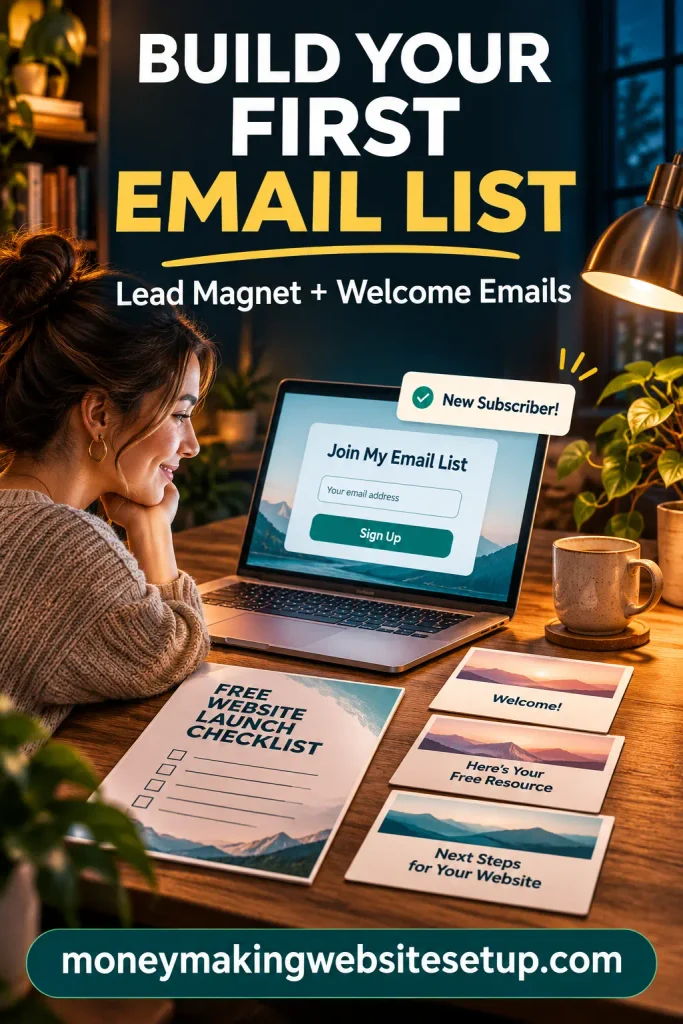
As the site grows, review which pages bring subscribers and which resources people click. A smaller list of readers who wanted the offer can be more useful than a larger list of people who don’t remember signing up.
Watch a few measures and improve one thing at a time
You don’t need a complex dashboard to learn from your first subscribers. Keep an eye on:
- New subscribers: Are people joining over time?
- Signup source: Which page or promotion brought them in?
- Delivery and clicks: Are subscribers receiving and using the resource?
- Unsubscribes and complaints: Does the follow-up match what people expected?
- Replies: What questions are readers asking?
If people see the form but few sign up, make the offer more specific or explain its benefit more clearly. If people subscribe but don’t use the resource, make the delivery email easier to follow. Change one thing at a time so you can tell what helped.
Frequently asked questions
“My website is new. Can I build a list before I have much traffic?”
Yes. Set up the resource and signup flow now, then promote it wherever you already reach potential readers: relevant social posts, communities that allow promotion, or partnerships. You don’t need to wait for search traffic before making the offer usable.
“What kind of lead magnet should I make first?”
Choose a resource that helps your intended reader solve one specific problem. A checklist, worksheet, template, or short how-to guide is often a practical first choice because it’s easy to understand and use.
Recommended guide: How to Promote a Lead Magnet in 21 Ways: Free, Paid, and Partner Tactics That Reach the Right People
“Should I offer a newsletter or a free download?”
Choose the offer that makes the benefit clearest. A newsletter can work when you have a specific topic and a realistic schedule. A free download is often easier for a new visitor to evaluate, especially when it helps with the page they’re already reading.
“How many welcome emails do I really need?”
Start with three or four: deliver the resource, help the reader use it, answer a likely question, and explain what to expect from you. Add more only when you have useful material that fits the signup promise.
“Will FAQ schema help this article show up in Google?”
You can include FAQs because readers have these questions. Don’t add FAQ markup just to expect a special search result: Google says FAQ rich results are generally limited to well-known, authoritative government and health websites.
“Can an email list help my new website make sales?”
It gives you a way to follow up with people who chose to hear from you. It can support sales, but a list alone doesn’t guarantee them. Results depend on whether the offer and emails are relevant to subscribers and whether you have something that meets their needs.
Recommended reading: How to Build an Email List for Affiliate Marketing That Actually Buys: The Conversion-First Funnel
Products / Tools / Resources
Choose tools by what they need to do, not by how many features they advertise.
- Email marketing service: Look for signup forms, automated delivery, welcome sequences, unsubscribe handling, and consent records.
- Website form or page builder: Use your existing site tools if they can create a readable, mobile-friendly signup form.
- Document or worksheet creator: A simple editor is enough to make a clear checklist or one-page worksheet.
- Email authentication instructions: Follow your email provider’s directions for setting up domain authentication before sending.
- Google Search guidance: Google says its AI Search features use the same foundational SEO practices as regular Search; there are no separate optimization requirements.
- Official email and privacy guidance: Review the FTC’s CAN-SPAM guide