A visitor finds your website, reads an article, and thinks, “That’s useful.” Then they close the tab. A lead magnet gives them a practical reason to stay in touch: a checklist, template, or short guide that helps with one next step.
You can create one without hiring a designer or buying new software. The work is mostly deciding what would help your reader, making it clear and usable, and checking that the sign-up process works.
Quick answer: To create a lead magnet for free, choose one problem your audience wants to solve, make a focused resource using tools you already have or free versions, then connect it to a sign-up form that delivers it. Test the form, email, and download before sharing the offer.
What makes a lead magnet useful?
A lead magnet is a free resource offered in exchange for someone’s contact details, usually an email address. The best ones feel like a small, thoughtful handoff: “Here’s something useful to help you with the thing you’re trying to do.”
That doesn’t mean the resource has to solve everything. It should help with one specific task and make a clear promise about what the subscriber will receive.
For example, a website about affiliate marketing might offer a Mobile Website Launch Checklist. It could help a beginner review their audience, first article, contact page, and email sign-up before publishing.
Get a Complete Money-Making Website Built For You - Free
A clear promise helps the reader decide whether the download is for them—and helps you decide what belongs in it.
Choose a format that fits the job
A lead magnet doesn’t have to be an ebook. A concise resource can be easier to finish and easier for someone to use.
| Format | Works well when the reader needs to… | Example |
|---|---|---|
| Checklist | Remember or complete a series of steps | First website launch checklist |
| Template | Start a task with a structure already in place | Blog post planning sheet |
| Short guide | Understand a process before acting | Beginner’s guide to choosing a website topic |
| Worksheet | Compare options or make a decision | Audience and problem worksheet |
| Swipe file | Adapt examples, prompts, or wording | Welcome email examples |
Think about what the reader will do with the resource. If they need to make a decision, a worksheet may help more than a long guide. If they need to follow a sequence, a checklist is a natural fit.
Step 1: Start with a person, not a format
It’s tempting to open a design tool and pick a template right away. Hold that thought. First, picture the person you want to help and the point where they’re stuck.
“People who want to start a business” is broad. “People building their first affiliate website” gives you more to work with.
Look for ideas in questions you’ve been asked, comments on relevant articles, and tasks that often confuse beginners. Then write a one-sentence brief:
I’m creating a [format] for [person] who wants to [solve a specific problem].
For instance:
I’m creating a checklist for new affiliate website owners who want to review the basics before publishing their first article.
If the sentence feels vague, narrow it. A specific reader and problem make the next choices easier.
Step 2: Make one realistic promise
The lead magnet’s promise should be useful, clear, and something the resource can actually deliver. It might help someone:
- Review the basics before launching a website.
- Plan a first month of blog topics.
- Compare a few home business ideas.
- Draft a welcome email.
Avoid claims about guaranteed income, overnight success, or results that depend on many factors outside the resource. A trustworthy promise describes the help the reader will receive, not an outcome you can’t control.
For the website example, “Review your site before your first article goes live” is clear. “Build a profitable website fast” promises much more than a checklist can deliver.
Step 3: Match the format to the problem
Now choose the simplest format that lets the reader take the next step.
- A checklist suits a task with several things to review.
- A template gives someone a starting point when they’re facing a blank page.
- A short guide helps when the reader needs context or explanations.
- A worksheet helps them weigh options or plan.
For the affiliate website owner, a checklist is probably a better fit than a long ebook. The reader needs a way to review a handful of launch details, not another large project to read.
Step 4: Outline the resource before you write
Picture the reader opening the file. What should they be able to do by the time they reach the end?
Use that answer to build a short outline. A First Website Launch Checklist might include:
- Confirm who the site is for.
- State the problem the site helps solve.
- Check that the first article answers one clear question.
- Review the About and Contact pages.
- Test the email sign-up form.
- Open the site on a phone and check that it’s easy to read.
Keep each item specific enough that a beginner knows what to do. If you include a term they may not know, explain it briefly or point them to a more detailed article.
Step 5: Write the useful part first
Draft the content before you worry about colors and cover images. A polished layout can’t rescue unclear advice; a plain document can still be valuable if it helps someone finish the task.
As you write, ask:
- Does this section help with the promise I made?
- Could a beginner follow the instruction?
- Would an example clear up a confusing step?
- Have I repeated myself or wandered into a different topic?
If you’re making a worksheet, leave room to write. If you’re making a checklist, make the items easy to scan. When the draft is ready, proofread it and check any facts, figures, or tool details you included.
Step 6: Make it easy to read
A simple design is enough. Give the resource a clear title, use descriptive headings, and leave space between sections. A reader shouldn’t have to wrestle with the layout to find the next step.
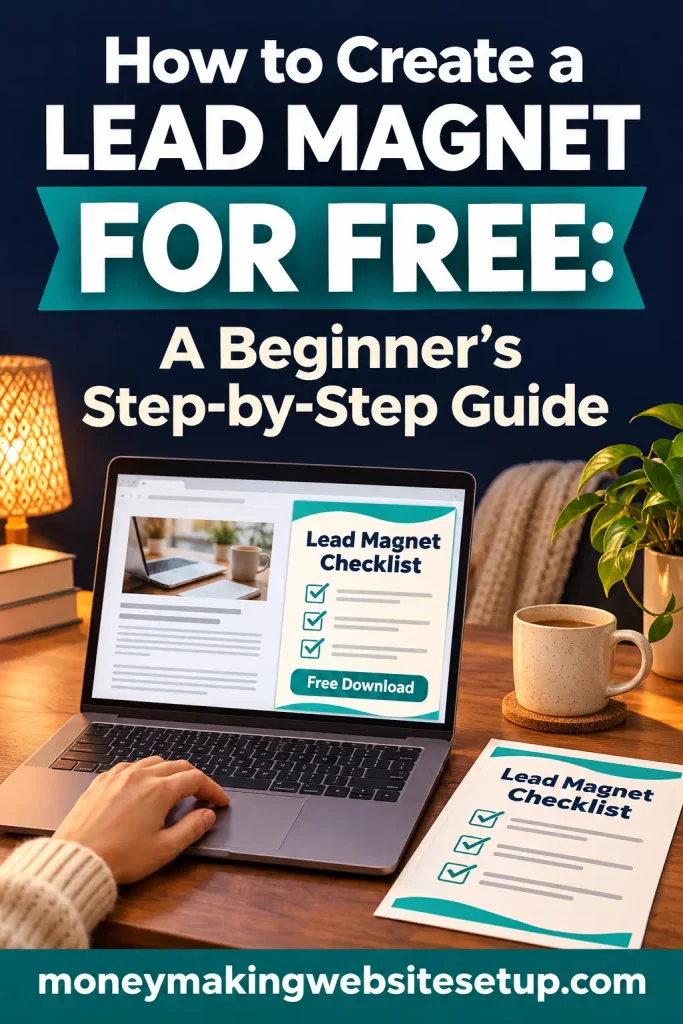
Before exporting or sharing the file, check that:
- The title says what the resource helps with.
- Text is comfortable to read on a phone.
- Headings make sections easy to find.
- Links are visible and clickable.
- Your website or business name appears where it makes sense.
Don’t cram the page. A checklist that feels calm and easy to mark up is more practical than one packed with tiny type and decoration.
Step 7: Set up the sign-up and delivery
The reader needs a way to request the resource and a reliable way to receive it. That might mean an email sign-up form, a confirmation page, or both.
Make the offer clear at the point of sign-up. Answer the questions a careful reader might have:
- What will I receive?
- Who is it for?
- What happens after I sign up?
For example:
Get the free Website Launch Checklist
Review the basics before you publish your first article. Enter your email and I’ll send you the download.
Set up the confirmation message or delivery email, then explain what other emails subscribers can expect from you. Check that your sign-up process follows the privacy and consent rules that apply to your audience and location.
Step 8: Test the full experience yourself
A form can look fine and still lead to a broken link or a missing email. Test it as if you were a new subscriber.
- Submit a test sign-up with an address you can check.
- Confirm that the thank-you message appears.
- Look for the delivery email.
- Open the download link.
- Check the page and file on a phone.
- Click the links inside the resource.
Fix anything confusing or broken before promoting the lead magnet. A small test now can save a new subscriber from having to ask where their download went.
Step 9: Share it where it makes sense
Start with places where people are already looking for the help your resource offers. You might link to it from a related blog post, resource page, or social profile.
Make the invitation fit the page. A website launch checklist belongs in a post about building a website; it may feel out of place in an article about an unrelated business topic.
After sharing the offer, look at whether visitors are signing up and whether delivery is working. One simple measure is:
Sign-up rate = number of sign-ups ÷ number of page visitors × 100
Use that number to compare changes to your own page over time; it isn’t a universal target. If visitors arrive but don’t sign up, check whether the resource solves a problem they recognize and whether the page explains the offer clearly.
A few mistakes that can make a good idea harder to use
Starting too broad
“Everything about online business” is difficult to create and difficult to evaluate. Choose one reader, one task, and one result.
Designing before the resource is clear
It’s easy to spend an afternoon choosing fonts, then discover the content still needs work. Write the useful part first. Add the design once you know what the reader needs.
Promising more than the download delivers
The headline, sign-up form, and resource should describe the same offer. A mismatch can leave a new subscriber disappointed.
Forgetting the delivery step
A working form doesn’t help if the email never arrives. Test the entire process before you share it.
Assuming every free plan has the features you need
Free tools can limit contacts, automations, file hosting, or branding. Check the current plan details before building your process around a particular feature.
Questions beginners often ask
Can I make a lead magnet without paying for design software?
Yes. You can draft a checklist, worksheet, or short guide in a tool you already use and export it if that option is available. A clean, readable layout is enough to get started.
Recommended guide: 31 Lead Magnet Ideas to Grow an Email List—Including the 10 Most Likely to Convert
Does a lead magnet have to be a PDF?
No. It could be a web page, template, worksheet, email series, or another resource that suits the task. A PDF is one option for a downloadable guide or checklist.
Do I need a website to offer a lead magnet?
Not always. Some email services provide sign-up forms or landing pages. Check their current features and limits. A website can make it easier to connect the download to related articles.
Recommended reading: How to Promote a Lead Magnet in 21 Ways: Free, Paid, and Partner Tactics That Reach the Right People
How long should my lead magnet be?
Long enough to help with the promised task. A checklist may fit on one page; a short guide may need more room. Let the reader’s job determine the length.
Will a lead magnet automatically grow my email list?
No. It gives people a reason to sign up, but results depend on audience fit, offer clarity, and how people find the page. Review sign-ups and feedback, then adjust the resource or page if needed.
Products / Tools / Resources
- Google Docs: A place to draft and organize a checklist, worksheet, or short guide. Google Docs supports working with common document formats and PDFs. Google Workspace
- Canva Free: An optional design tool if you want to format a cover or make a visual worksheet. Canva currently lists a no-cost plan for one person; check whether the template elements you choose are included before using them. canva.com
- MailerLite: One email platform option for sign-up forms and delivery. Its current Free plan lists a 250 active-subscriber limit and 2,500 monthly emails, so check the latest limits before you build your workflow around it. MailerLite